Bring your own M3U or Xtream Codes provider. Cathode TV turns it into a real channel guide — fast channel changes, recordings, and a home screen that knows what's on — on Apple TV and iPhone.
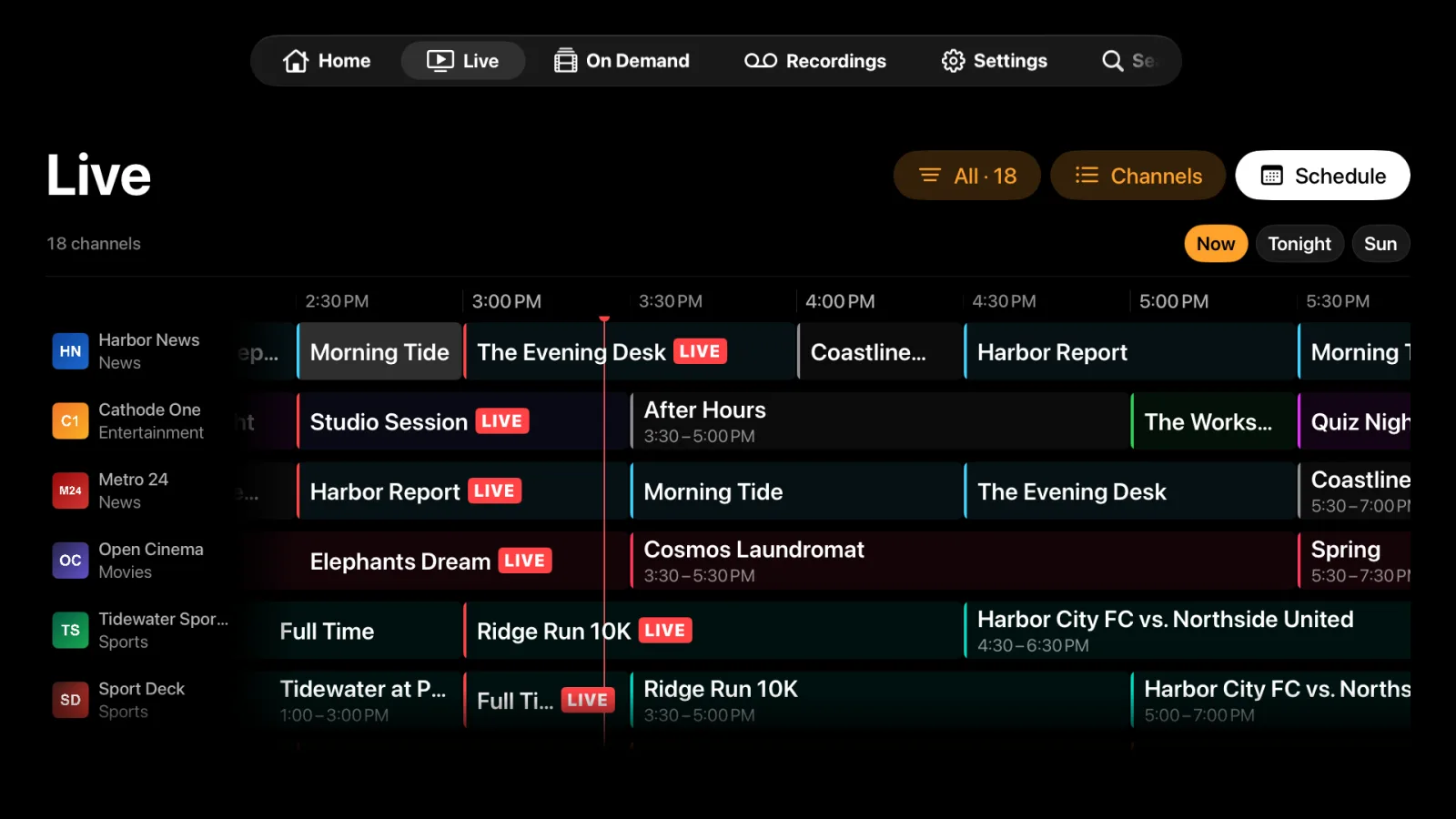
A proper grid with channel logos and a live marker, built around the Siri Remote. Browse it by channel group or just your favourites, and record straight from a programme's page.
Native tvOS navigation — the system tab bar, focus and Top Shelf
Your provider's XMLTV guide, or a public guide matched to your channels
Listings for the next two days, as far as your provider publishes
Channel surfing, restored
Click. You're there.
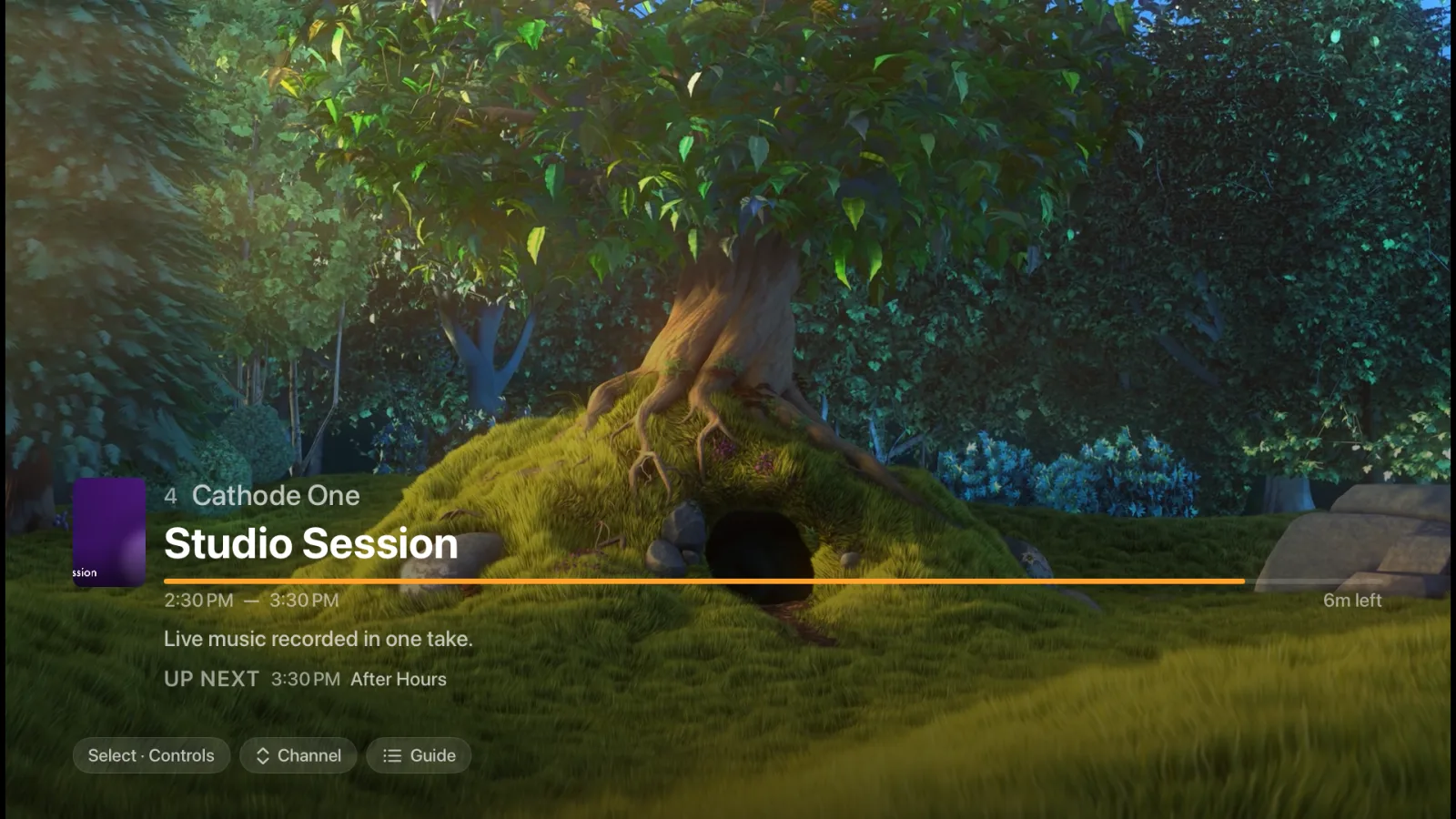
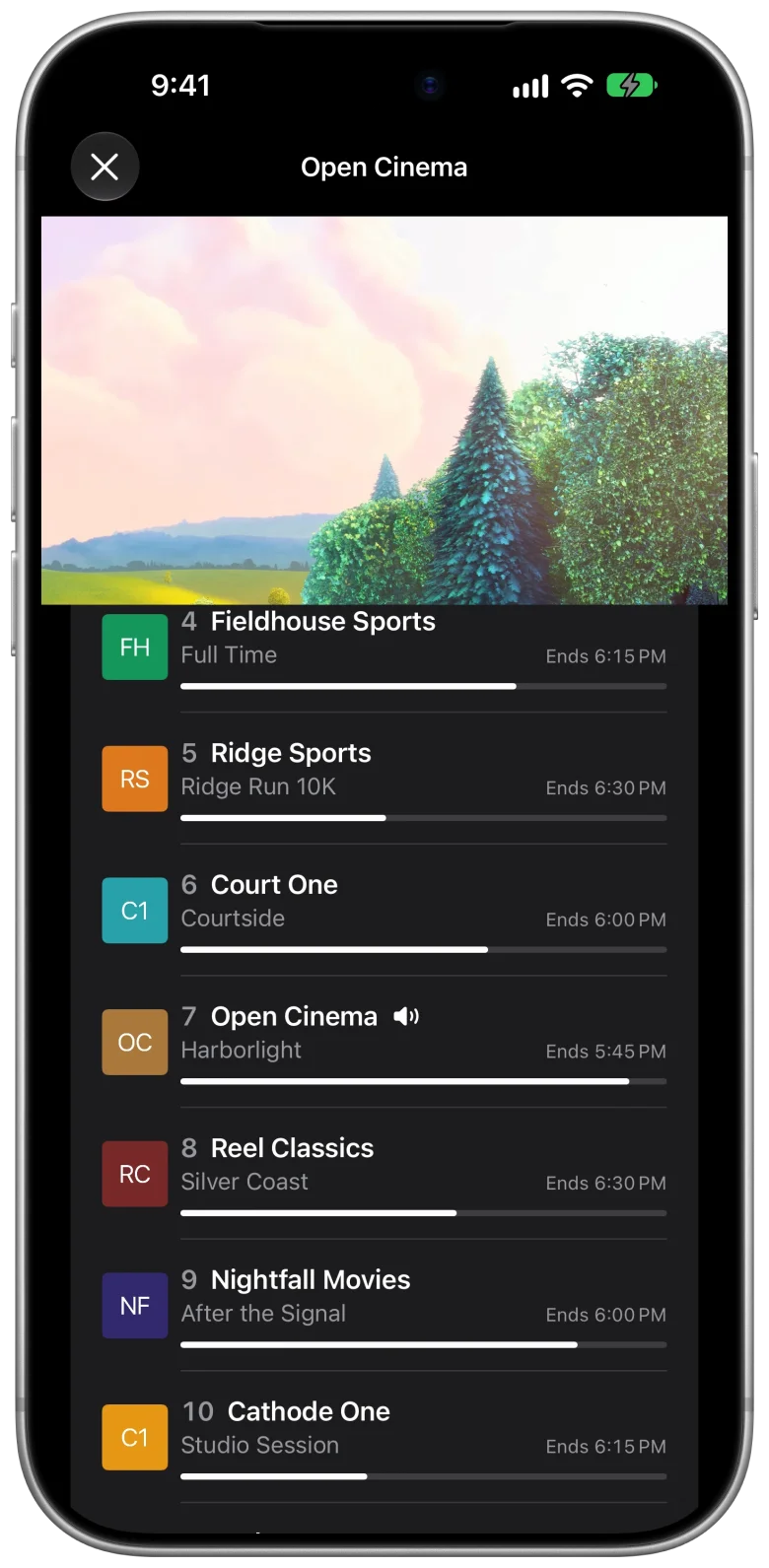
The player is built for quick channel changes, and it's Apple's own: full-screen video with nothing in the way. Press the remote for the transport bar, with Channels and Guide tabs to jump somewhere else without leaving the show.
Everything in the box
Not another playlist parser.
Built from scratch in SwiftUI for Apple TV and iPhone — not an Android port with a new coat of paint.
A real TV guide
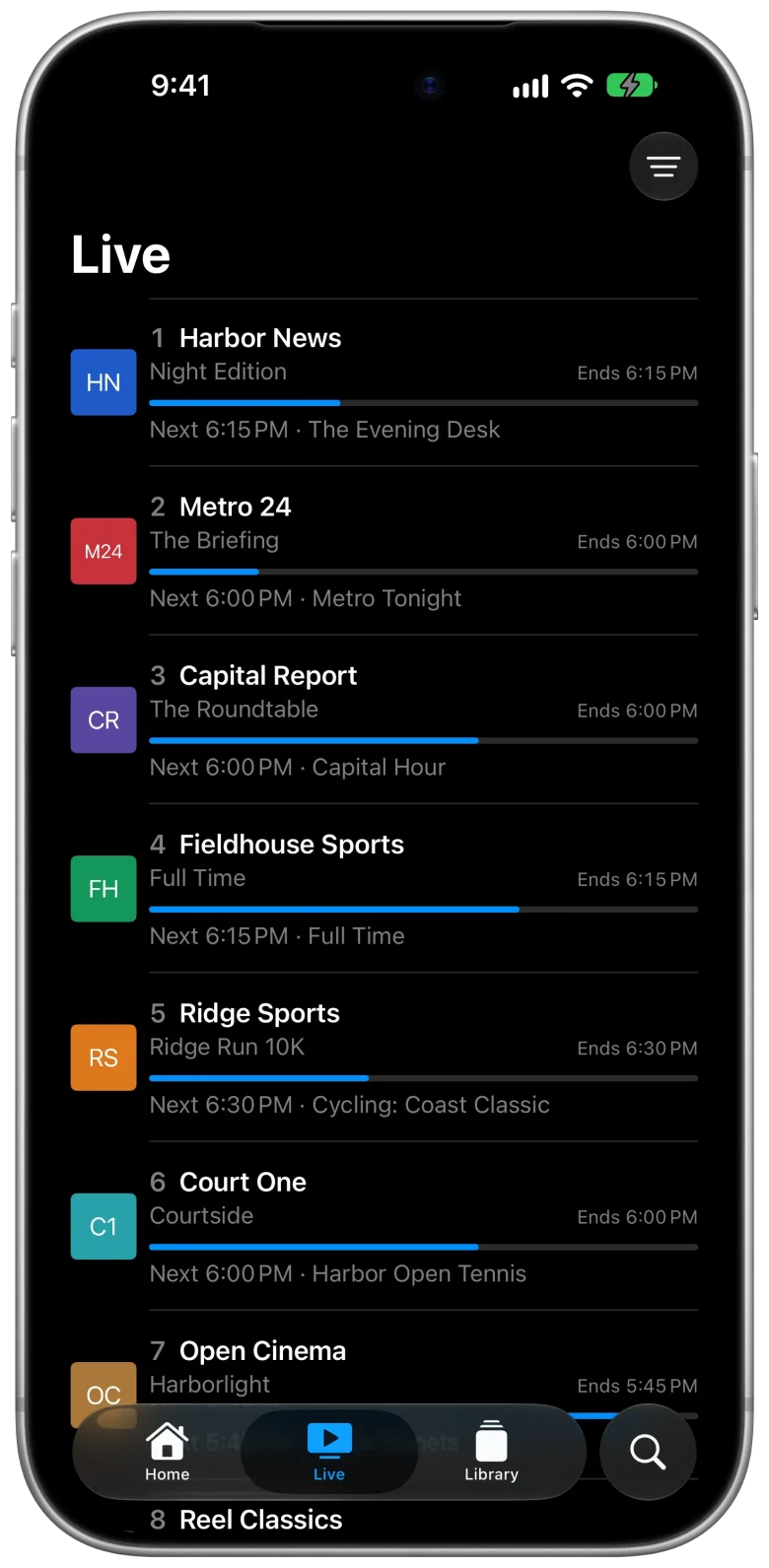
A grid on Apple TV and a now-and-next list on iPhone, with logos and live progress. XMLTV from your provider, or a public guide matched to your channels.
Fast channel changes
A player tuned for live IPTV, with fallbacks for flaky streams so a hiccup doesn't end the show.
A home that knows what's on
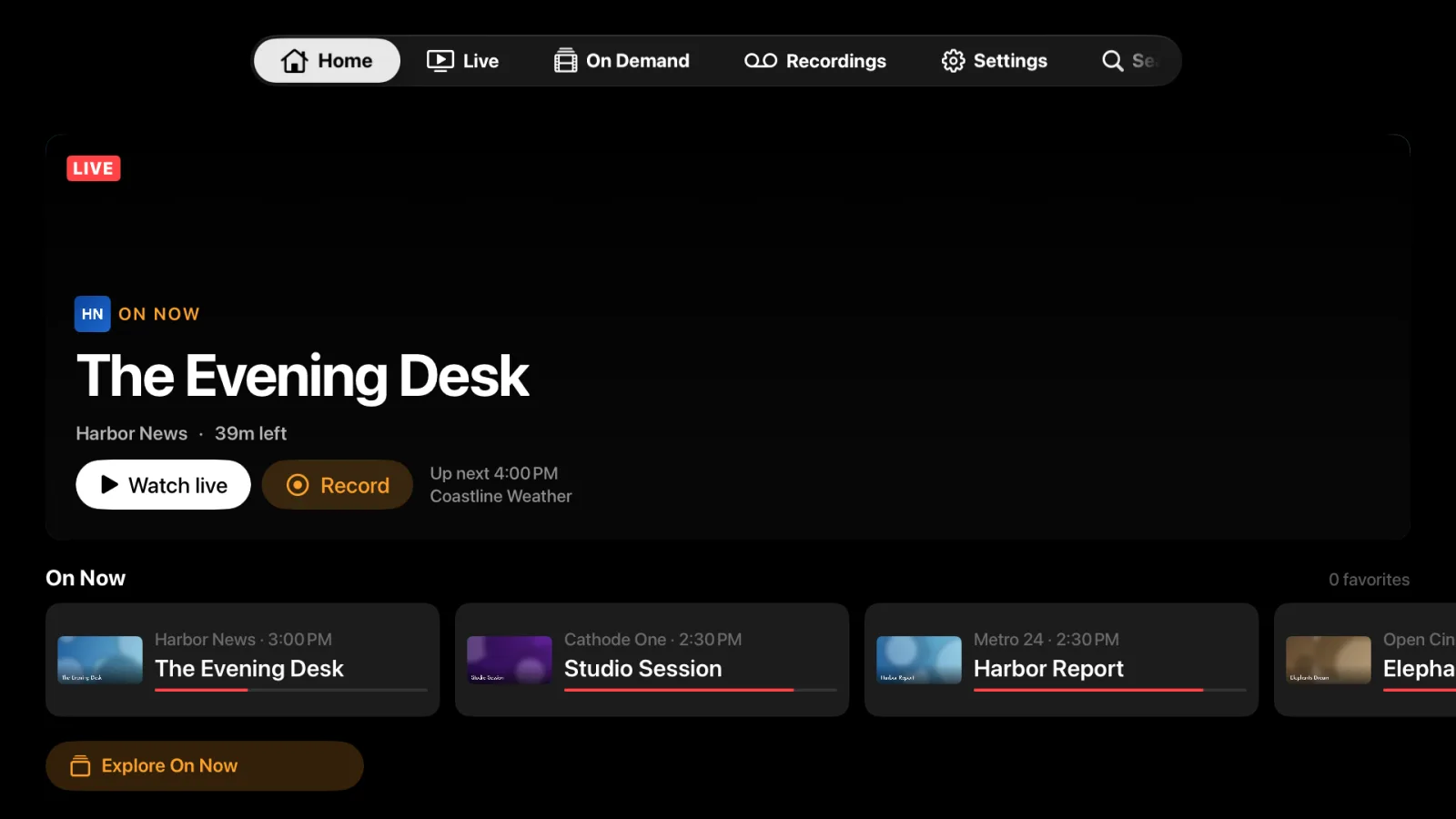
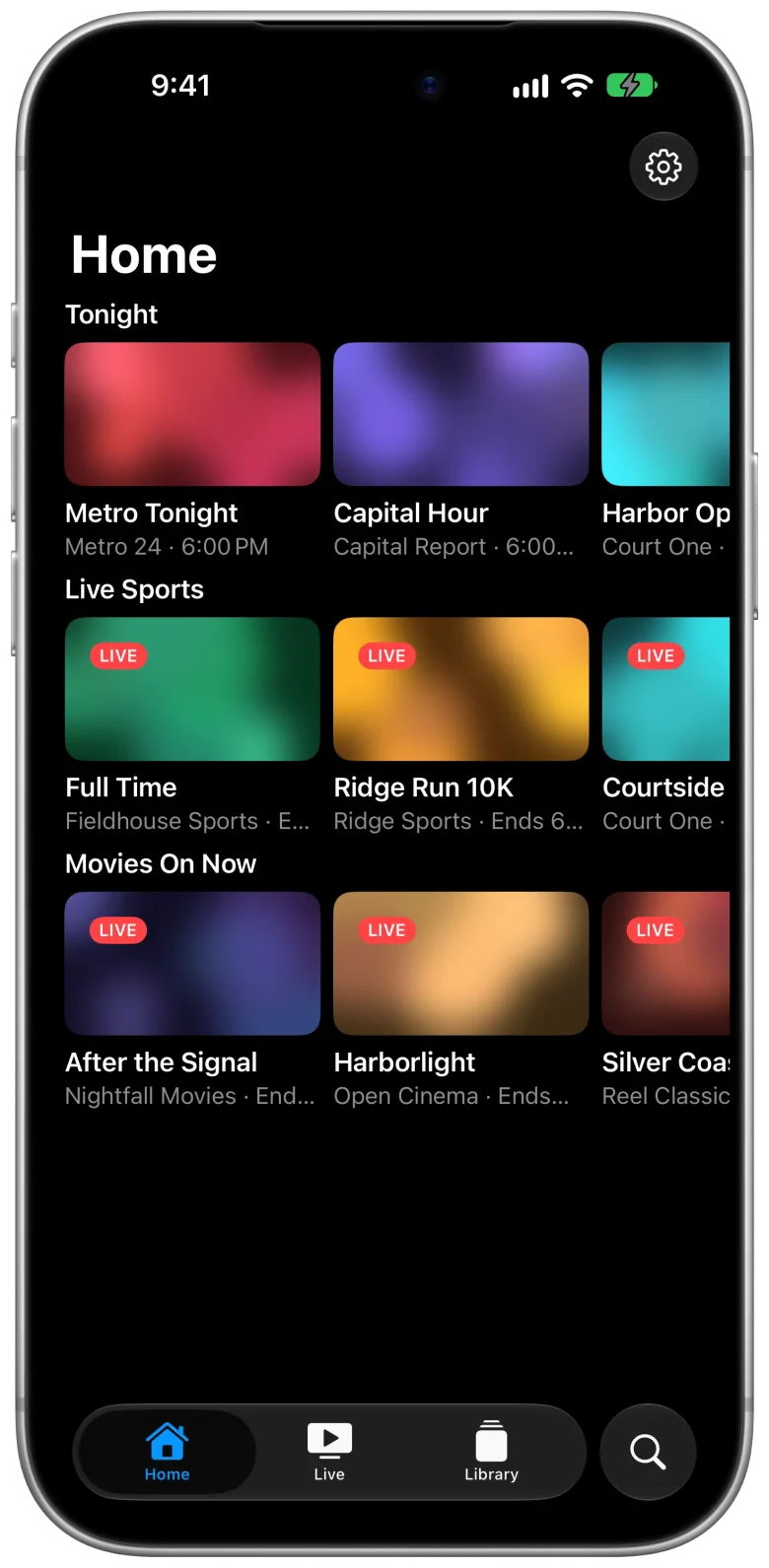
Up Next, Favorites On Now, Tonight, Live Sports, Movies On Now and News — built from your own channels and guide.
Recordings
Run Cathode TV Server on a Mac to record shows and watch them back on your Apple TV and iPhone. It adds HDHomeRun tuners too.
Multi-View
Watch up to four channels at once — two on iPhone — and switch the sound to whichever one matters.
On Demand
Your provider's movies and series next to live TV, with posters, details and continue watching.
Profiles
Separate favourites and watch history for everyone in the house.
Trakt and subtitles
Sync what you watch with Trakt, and pull subtitles for movies and series from OpenSubtitles.
A demo to start
No provider yet? Tap Try a Demo Playlist on the first screen and look around before you add your own.
In your pocket, too
One app. Living room and pocket.
On iPhone it's an iPhone app — tabs, a now-and-next guide and swipe actions — not a shrunken TV screen. iPad, Mac and Vision Pro versions are being rebuilt and aren't part of the beta yet.
Apple TV
iPhone
Pricing
Free in beta. $19.99 once at launch.
Everything is unlocked, with no limits, while Cathode TV is in beta. When it launches on the App Store, the plan is below: no subscription, no ads, no account.
Free at launch
$0
Everything, with a daily limit.
The full app on Apple TV and iPhone
Guide, home screen and search
5 minutes of playback a day
Premium at launch
$19.99 one time
Unlimited, forever.
Unlimited playback
Every Apple device on your Apple ID
No subscription, no ads, no tracking
Cathode TV is a player. It doesn't come with channels or content — you bring your own provider, or try the built-in demo playlist first.
Public beta
Try it before launch.
Cathode TV is in public beta on TestFlight. Open the link on your iPhone and tap Accept. For Apple TV, open TestFlight there with the same Apple ID and install it from the list.